
Connect Your Diffuser
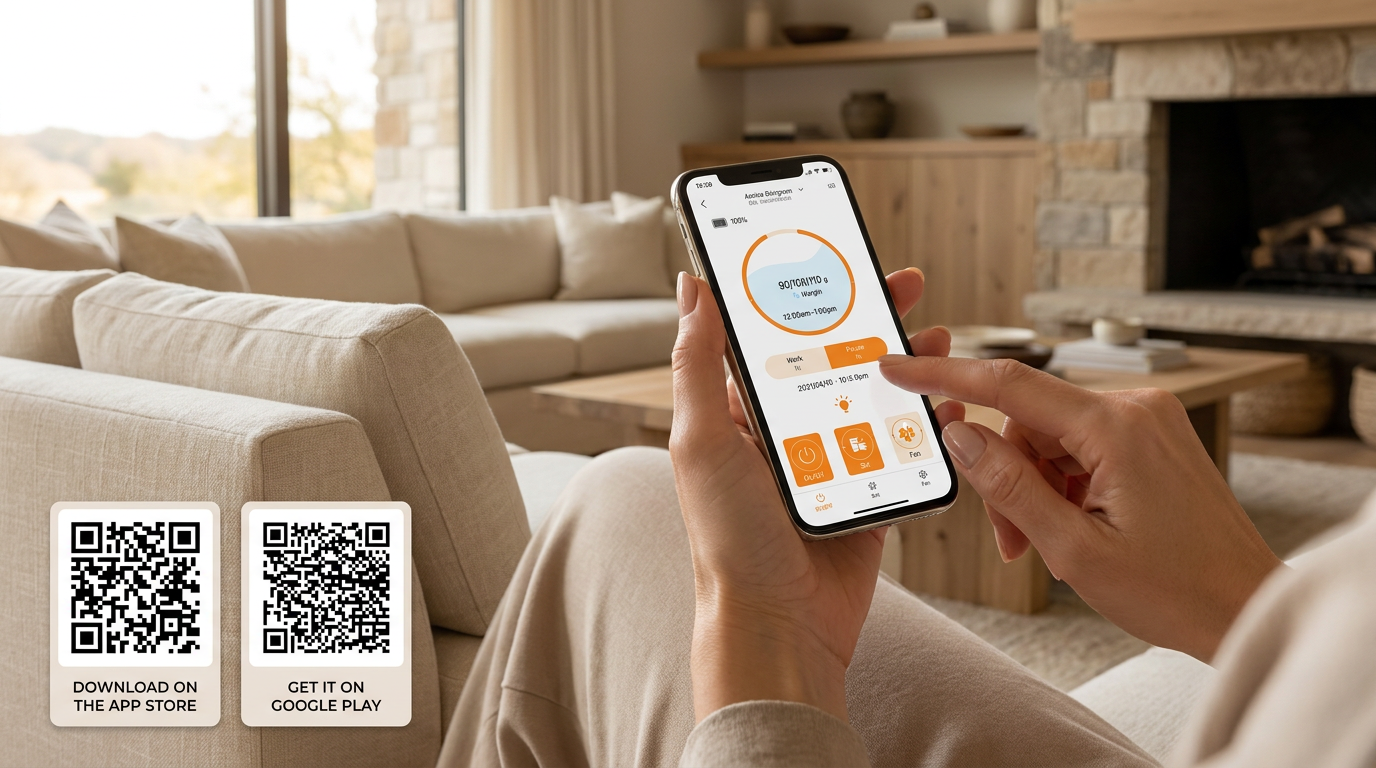
- Download and open the Aroma Designers app.
- Enable Bluetooth on your mobile device.
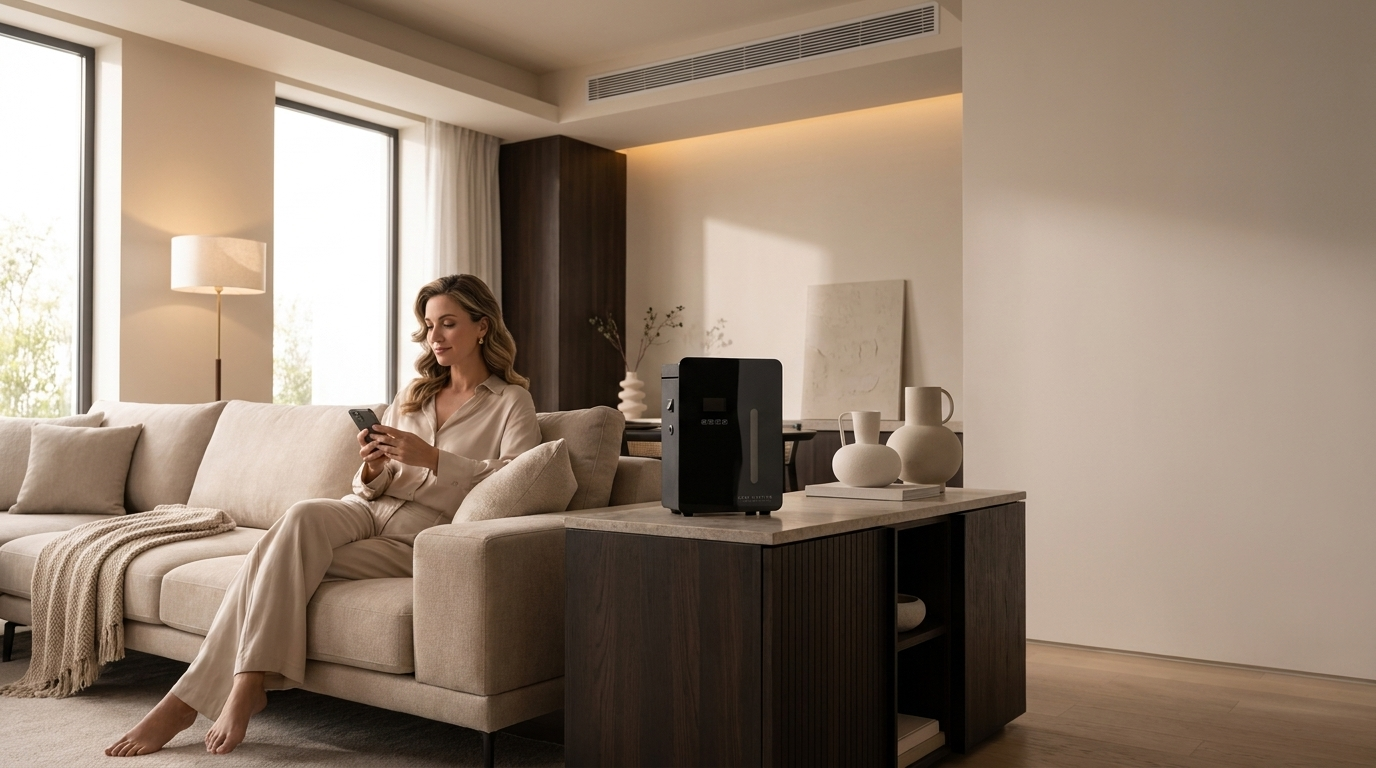
- Turn on your HVAC scent diffuser.
- Select your diffuser in the app and follow the pairing instructions.

Troubleshooting Your App Setup
Resolve common app setup issues before contacting support.
The diffuser does not appear in the app
Confirm that Bluetooth is enabled, the machine is powered on, and your phone is close to the diffuser.
The app cannot connect to the diffuser
Close and reopen the app, restart the diffuser, and try connecting again.
The diffuser was previously connected to another phone
Disconnect the previous device or reset the Bluetooth connection before pairing again.
Which app should I download?
Download the Aroma Designers mobile app using the App Store or Google Play links above.
Need Help Connecting Your Diffuser?
Our scent specialists can help you complete the setup and recommend the right operating schedule for your space.